Shadcn Forgot Password Block Three
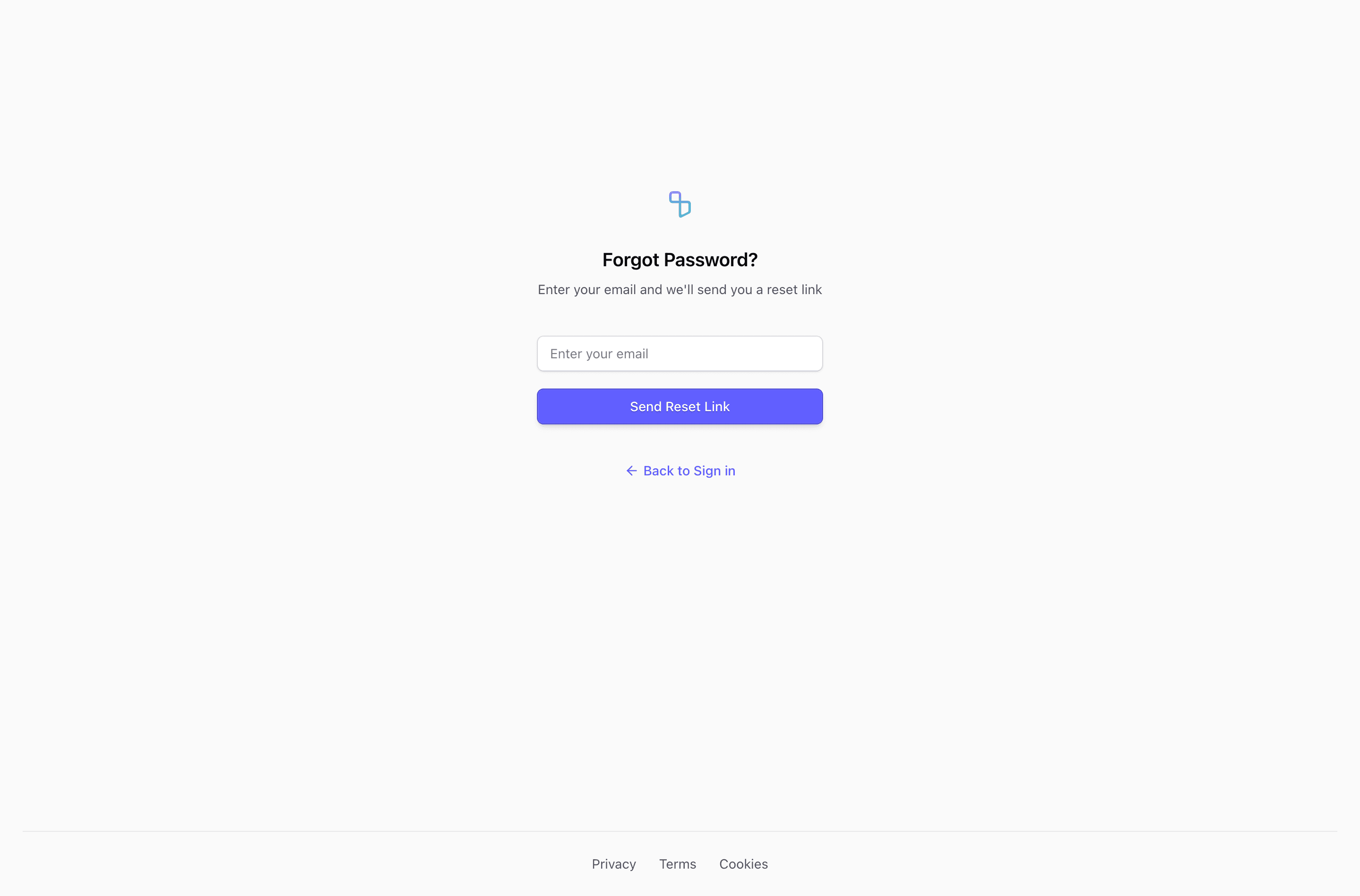
Block Three is the most compact of the early password recovery variants. It centers the logo and heading, hides the email label with sr-only, and relies on the placeholder Enter your email plus the Send Reset Link button to keep the form short.
Recovery flow
This forgot password form works when the page context is obvious and the form needs to stay visually light. Because the visible label is removed, keep the accessible label in place and make sure validation messages identify the email field clearly.
Layout notes
The full-height flex layout and bordered footer mirror Block Two, but the central panel is cleaner and more symmetrical.
What to wire before shipping
- Preserve the hidden label for screen readers.
- Add error and success states below the input or button.
- Use this only when the placeholder is enough for sighted users in your context.
Frequently asked questions
Is this forgot password form production-ready?
It is a source-ready UI block, not a complete auth implementation. Add your reset request, validation, pending state, and confirmation copy in the application layer.
Can I use it with shadcn and Tailwind CSS?
Yes. The block uses React components, Tailwind CSS utilities, and shadcn-style form primitives such as Input, Label, Button, and in some variants Card.
What should the confirmation state say?
Keep it neutral, for example that reset instructions will be sent if an account exists for that email. That avoids leaking account existence while still helping the user continue.
Related Shadcn UI blocks
Start from Tailark
Build with Tailark
Production-ready marketing blocks, pages, and illustrations for Shadcn UI.