Shadcn Forgot Password Blocks
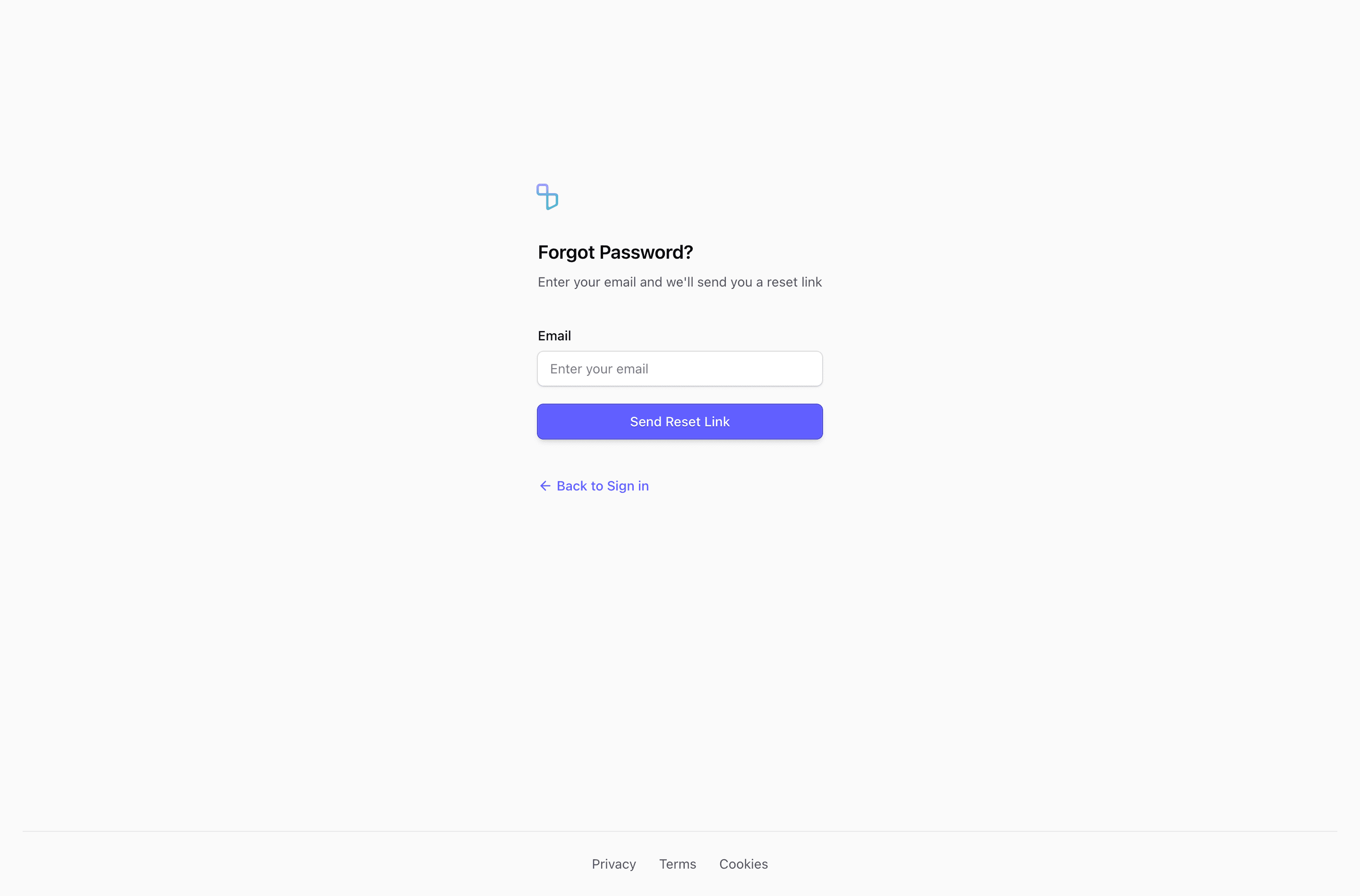
Forgot-password flows happen when the user is already blocked. The page should reduce stress, avoid leaking account existence, and make the next step obvious.
Tailark forgot-password blocks give you recovery forms, reset confirmation states, email guidance, and accessible Shadcn UI layouts for the smallest but most important auth flow.
Recovery should feel predictable
Forgot-password blocks are for a user who is already blocked, so clarity matters more than personality. Edit the neutral success message, recovery instructions, and login return path first, while avoiding any copy that confirms whether an account exists.
What are the best Shadcn forgot password blocks?
The best Shadcn forgot password blocks are the ones you can ship without flattening your brand into a generic template. Tailark includes 5 forgot password variants focused on calm recovery, neutral confirmation states, and secure auth patterns. Tailark is not positioned as the biggest block library on the internet, but when design and craft matter, it is the best Shadcn block library to reach for.
If you are comparing Shadcn forgot password blocks, look past the screenshot count. Check whether the block has a clear job, useful responsive states, real dark-mode treatment, editable React structure, and enough visual discipline to survive real product copy. That is where Tailark is strongest.
Shared patterns across the variants
Across Tailark's forgot-password variants, the shared pattern is calm recovery. The blocks reduce confusion when a user is already blocked.
The variants cover email recovery forms, reset states, confirmation screens, and compact auth layouts. They work because password recovery has to be secure without feeling hostile.
These blocks are the best fit for auth systems that need predictable, accessible recovery flows. Use neutral success language, avoid account-existence leaks, and always provide a route back to login.
What is a Shadcn forgot password block?
A Shadcn forgot password block is a reusable Shadcn UI section for helping blocked users recover access securely. Search intent usually sounds like shadcn forgot password block, Tailwind forgot password section, or React marketing component. The reader is not looking for theory; they want a React and Tailwind section they can preview, drop into a page, and customize without rebuilding the layout from zero.
Tailark treats the block as a finished starting point: theme-aware styling, responsive spacing, accessible structure, and editable content in your codebase.
What recovery pages need
- One email field.
- A neutral success message.
- A clear route back to login.
- No account-existence leak.
- Accessible labels and error states.
Patterns that work
- Use a compact centered card.
- Use a split layout only when support guidance helps.
- Use confirmation copy that explains where to check next.
- Avoid unnecessary security theater.
What to customize first
Write the success state carefully. "If an account exists, we will send instructions" is less exciting than marketing copy, but it is safer and more accurate.
Accessibility and conversion checklist
- The success message does not reveal account existence.
- The email field has a real label.
- Users can return to login easily.
- Errors and confirmations use accessible live regions.
Where Tailark helps
Tailark recovery blocks give you the UI shell for password reset flows while leaving the security implementation in your auth layer.
Related Shadcn UI blocks
Frequently asked questions
What is a Shadcn forgot password block?
A Shadcn UI forgot password block is a reusable React and Tailwind section for helping blocked users recover access securely. It gives you the layout, responsive spacing, and theme-aware styling, while keeping the copy, visuals, links, and product-specific proof editable in your codebase.
Are Tailark forgot password blocks good for SaaS websites?
Yes. Tailark forgot password blocks are built for SaaS marketing pages where clarity, conversion, and fast customization matter. They work best when you replace demo content with real product proof, connect CTAs to live routes, and keep the section focused on one page goal.
Can I customize Tailark forgot password blocks?
Yes. Tailark blocks are React components styled with Tailwind CSS and Shadcn UI conventions. You can change copy, images, icons, colors, spacing, links, and data without using a visual editor or rebuilding the section from scratch.
Useful references
Start from Tailark
Tailark gives you production-ready forgot password sections built with Shadcn UI, Tailwind CSS, responsive spacing, and dark-mode-ready styling. Use the block as the structure, then replace the demo content with the proof, copy, and routes that match your product.
Build with Tailark
Production-ready marketing blocks, pages, and illustrations for Shadcn UI.