Shadcn Forgot Password Block One
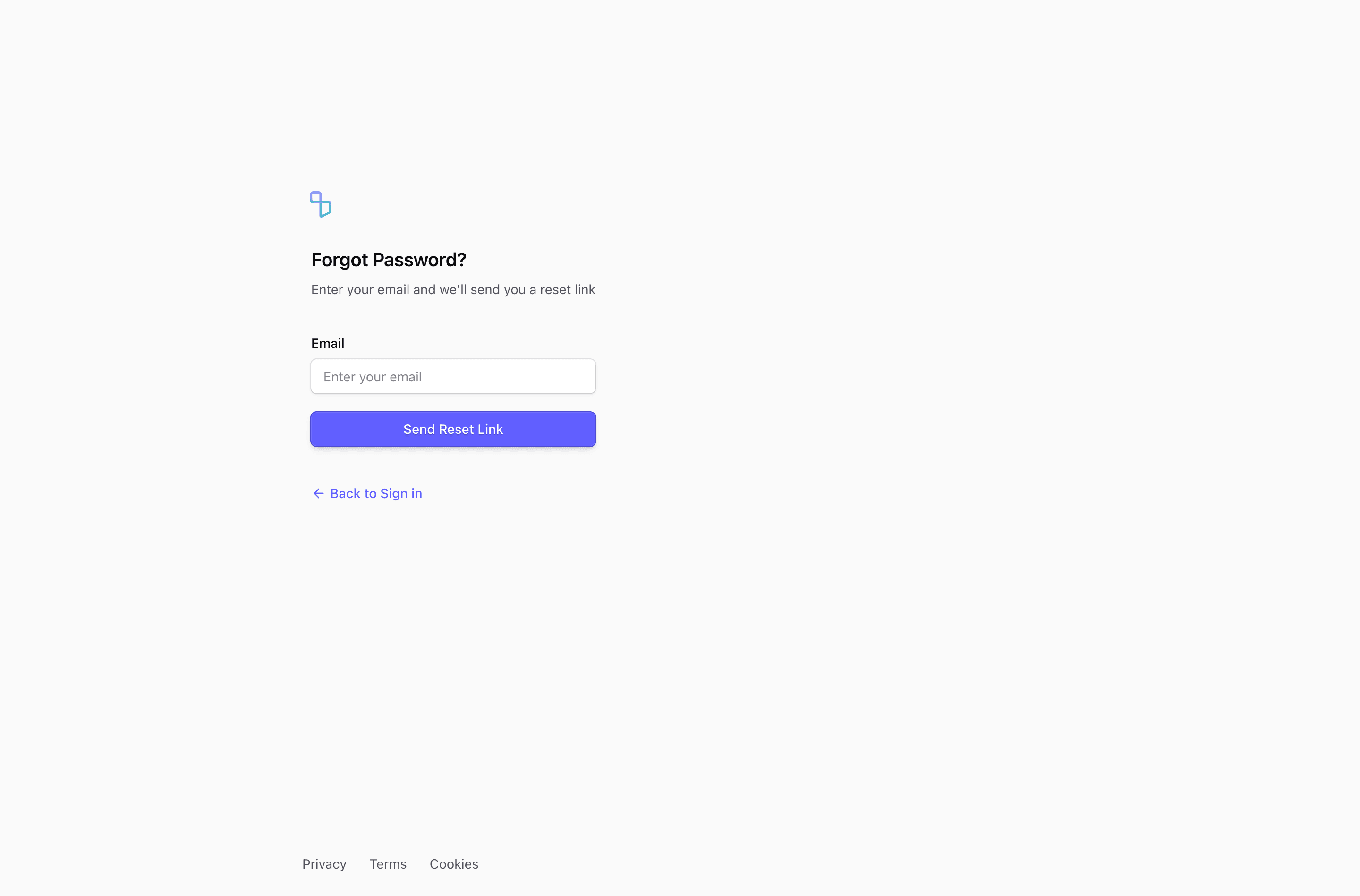
Block One keeps password recovery intentionally quiet. The forgot password form has a logo link, the heading Forgot Password?, one required email input, a Send Reset Link button, and an ArrowLeft link back to sign in.
Recovery flow
This is a good base when the auth experience should feel calm and utilitarian. The source does not include validation or a success message, so the copy should be paired with your real reset-token request flow in React or Next.js.
Layout notes
The form sits in a max-w-xs column inside a max-w-5xl page, with Privacy, Terms, and Cookies links at the bottom. That keeps support links available without competing with the reset action.
What to wire before shipping
- Add success text that does not reveal whether an email exists.
- Connect the button to your password recovery endpoint.
- Keep the back-to-sign-in link reachable for users who remember their password.
Frequently asked questions
Is this forgot password form production-ready?
It is a source-ready UI block, not a complete auth implementation. Add your reset request, validation, pending state, and confirmation copy in the application layer.
Can I use it with shadcn and Tailwind CSS?
Yes. The block uses React components, Tailwind CSS utilities, and shadcn-style form primitives such as Input, Label, Button, and in some variants Card.
What should the confirmation state say?
Keep it neutral, for example that reset instructions will be sent if an account exists for that email. That avoids leaking account existence while still helping the user continue.
Related Shadcn UI blocks
Start from Tailark
Build with Tailark
Production-ready marketing blocks, pages, and illustrations for Shadcn UI.