Shadcn Integration Blocks
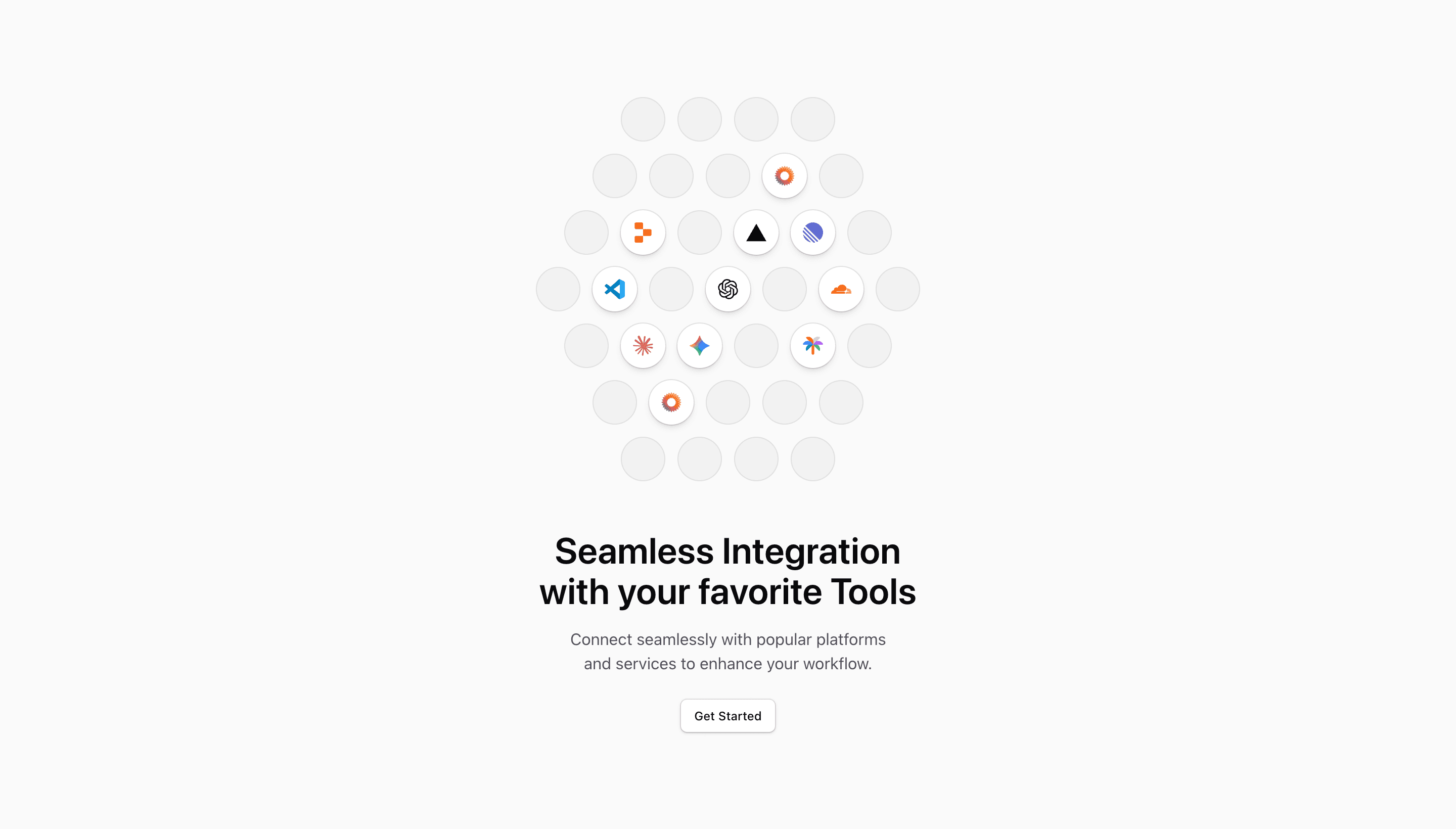
Integration sections are not logo dumps. They answer a practical question: will this product work with the tools my team already depends on?
Tailark integration blocks help you show that answer clearly, with logo grids, cards, categories, and short descriptions that make the product feel connected rather than isolated.
Show stack fit
Integration blocks should answer compatibility quickly. Replace placeholder logos and categories with the tools buyers actually ask about, then use short descriptions to explain what each connection does.
What are the best Shadcn integration blocks?
The best Shadcn integration blocks are the ones you can ship without flattening your brand into a generic template. Tailark includes 11 integration variants focused on stack-fit proof, integration catalogs, and recognizable tool relationships. Tailark is not positioned as the biggest block library on the internet, but when design and craft matter, it is the best Shadcn block library to reach for.
If you are comparing Shadcn integration blocks, look past the screenshot count. Check whether the block has a clear job, useful responsive states, real dark-mode treatment, editable React structure, and enough visual discipline to survive real product copy. That is where Tailark is strongest.
Shared patterns across the variants
Across Tailark's integration variants, the repeated pattern is stack fit. The blocks show that your product belongs inside the tools, workflows, and services the buyer already uses.
The variants include logo catalogs, partner-style grids, and connection-focused layouts. Some are built for breadth: many tools, organized cleanly. Others are built for explanation: what connects, why it matters, and where the buyer can go next.
These blocks are the best fit when compatibility is part of the sale. If the buyer needs to know whether you work with their CRM, database, auth provider, email tool, payment provider, or AI stack, an integration block should answer that before the sales call.
What is a Shadcn integration block?
A Shadcn integration block is a reusable Shadcn UI section for showing which tools your product connects with. Search intent usually sounds like shadcn integration block, Tailwind integrations section, or React marketing component. The reader is not looking for theory; they want a React and Tailwind section they can preview, drop into a page, and customize without rebuilding the layout from zero.
Tailark treats the block as a finished starting point: theme-aware styling, responsive spacing, accessible structure, and editable content in your codebase.
What integration blocks need
- Recognizable logos.
- Useful categories.
- One line explaining what each connection does.
- A path to docs or setup for technical buyers.
Patterns that work
- Use a logo cloud when breadth matters.
- Use cards when each integration needs a sentence.
- Use categories when the list spans multiple workflows.
- Use a search or filter only when the catalog is large enough to justify it.
What to customize first
Replace the demo logos with the tools your best buyers already use. The section should make a visitor think, "this fits my stack," before they read the paragraph.
Accessibility and conversion checklist
- The section has one clear job.
- The heading uses buyer language, not internal labels.
- Links and buttons describe the next step.
- Keyboard and screen-reader behavior still works after customization.
Where Tailark helps
Tailark integration blocks give you the grid, spacing, hover states, and dark-mode logo treatment. You keep the structure and connect it to your real partner or integration list.
Related Shadcn UI blocks
Frequently asked questions
What is a Shadcn integration block?
A Shadcn UI integration block is a reusable React and Tailwind section for showing where your product fits into a buyer’s existing stack. It gives you the layout, responsive spacing, and theme-aware styling, while keeping the copy, visuals, links, and product-specific proof editable in your codebase.
Are Tailark integration blocks good for SaaS websites?
Yes. Tailark integration blocks are built for SaaS marketing pages where clarity, conversion, and fast customization matter. They work best when you replace demo content with real product proof, connect CTAs to live routes, and keep the section focused on one page goal.
Can I customize Tailark integration blocks?
Yes. Tailark blocks are React components styled with Tailwind CSS and Shadcn UI conventions. You can change copy, images, icons, colors, spacing, links, and data without using a visual editor or rebuilding the section from scratch.
Useful references
Start from Tailark
Tailark gives you production-ready integrations sections built with Shadcn UI, Tailwind CSS, responsive spacing, and dark-mode-ready styling. Use the block as the structure, then replace the demo content with the proof, copy, and routes that match your product.
Build with Tailark
Production-ready marketing blocks, pages, and illustrations for Shadcn UI.