Shadcn Open Roles Block One
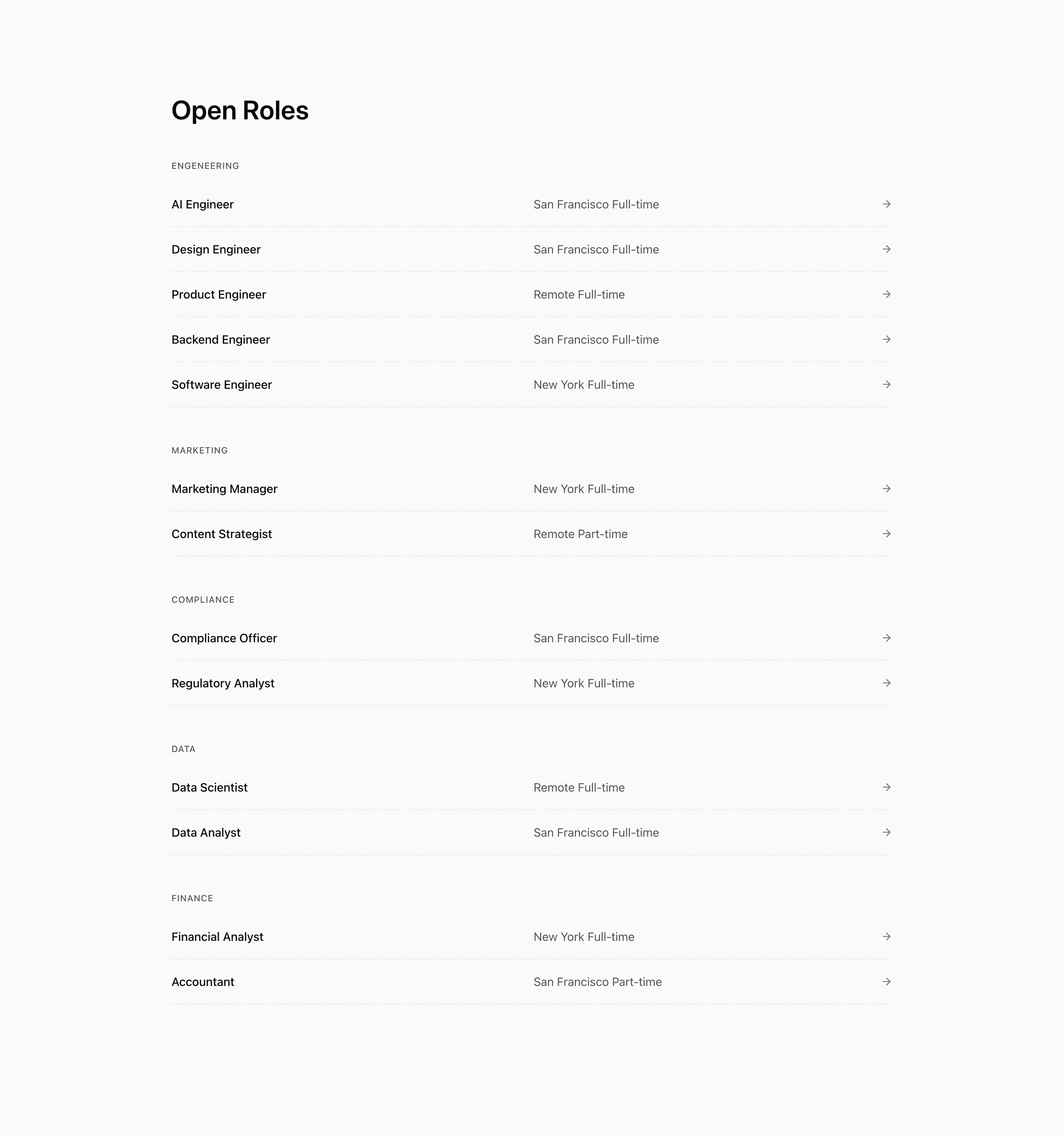
Shadcn Open Roles Block One is a straightforward careers page section. It starts with Open Roles, groups demo jobs by department, and renders each role as a clickable row with title, location, employment type, and an ArrowRight icon.
The source data includes engineering, marketing, compliance, data, and finance categories. Each role links to its slug with Next.js Link, while the full row becomes clickable through an absolutely positioned pseudo-area on the anchor.
Source-backed structure
- Roles are reduced into
groupedRoles, so departments render in the order they first appear in theopenRolesarray. - Each group has a small uppercase heading and a stack of role rows.
- Role rows become two columns at
md:grid-cols-2, separating title from location and time. - A dotted horizontal separator is rendered after each row with a repeated linear gradient.
Best fit and customization
Use this shadcn open roles section when candidates need to scan a lot of jobs quickly. It is a practical fit for a careers page, company page, or SaaS website where the application flow lives on separate detail pages.
The role list is demo content, not a hiring claim. Replace the titles, locations, departments, employment types, and slugs with live openings. The source also spells the engineering category as engeneering; fix that in your data before showing category labels to candidates.
Implementation notes
This block is server-friendly React with Tailwind CSS and a small lucide icon import. If your jobs come from an applicant tracking system, keep the grouping logic but feed it normalized categories so the visible headings stay polished.
Frequently asked questions
Does this variant include filtering?
No. It groups roles by category but does not include filter controls.
Is Shadcn Open Roles Block One responsive?
Yes. The role metadata stacks on small screens and becomes a two-column row at medium widths.
Can I customize this Tailark block?
Yes. Replace the openRoles data, adjust department labels, or connect the rows to your actual application routes.
Related Shadcn UI blocks
Start from Tailark
Build with Tailark
Production-ready marketing blocks, pages, and illustrations for Shadcn UI.